API Integration
All API endpoints require authentication using API keys. You can generate API keys in the API Key Management section.
Generate API key via GUI
You can generate API keys from the Token Minter app, check out Generate API keys from the Token Minter App section.
To use the API endpoints, you need to make authenticated requests with your API key in the api-key header.
sh
curl -X POST \
  https://api.token.web3sandpit.com/api/v1/endpoint \
  -H 'Content-Type: application/json' \
  -H 'api-key: your-api-key-here' \
  -d '{...}'
http
POST https://api.token.web3sandpit.com/api/v1/endpoint HTTP/1.1
api-key: your-api-key-here
Content-Type: application/json
{...}
js
await fetch('https://api.token.web3sandpit.com/api/v1/endpoint', {
  method: 'POST',
  headers: {
    'api-key': 'your-api-key-here',
  },
  // ...
});
js
await axios.post('https://api.token.web3sandpit.com/api/v1/endpoint', {...}, {
  headers: {
    'api-key': 'your-api-key-here',
  },
});
Generating API key from the Token Minter App
- Log into the Token Minter App.
- Navigate to Settings in the top navigation bar.
- Click on the
Keys and Secretstab from side menu. - Click
Create APIbutton.
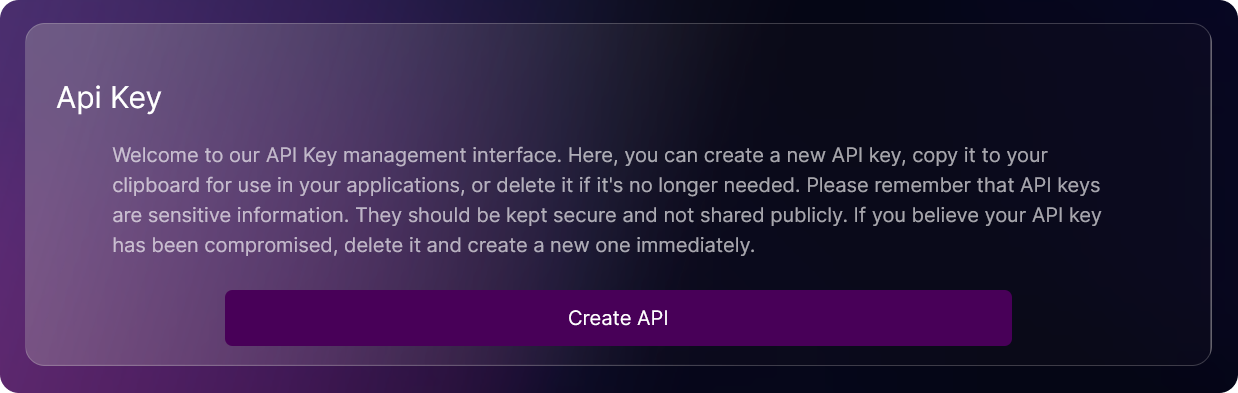
- Copy your API key and store it securely.

CAUTION!
Maintain the confidentiality of your API key by keeping it private. If it is compromised, promptly delete the key and create a new one.